


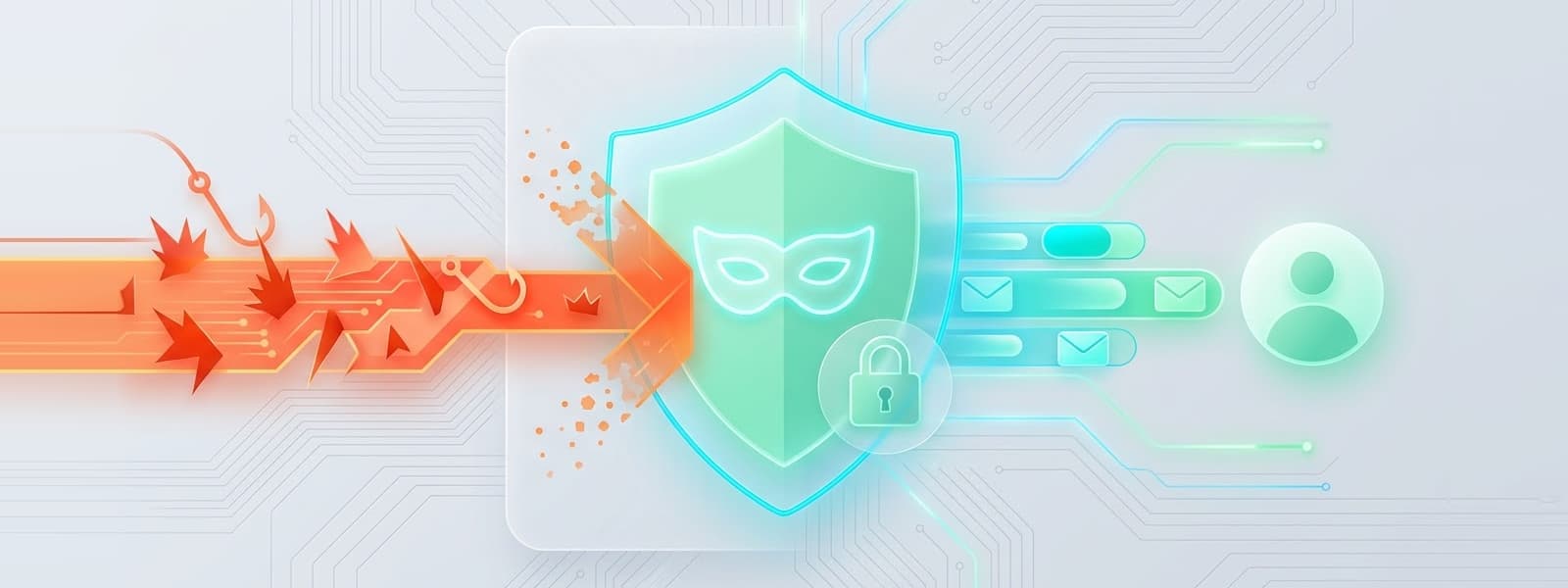
What Is Phishing — and Why Is It So Effective?
Phishing is the practice of sending fraudulent emails that impersonate trusted organisations — banks, delivery services, government agencies, email providers — to trick recipients into handing over credentials, payment details, or personal information.
It's effective for a simple reason: it doesn't require technical skill to fall for it. A convincing phishing email looks exactly like a real one. The sender name matches. The logo is right. The copy is professional. The only tells are subtle — a slightly wrong domain, a link that doesn't quite resolve where it claims to — and most people aren't specifically looking for them when they open their inbox.
The volume is staggering. Over 3.4 billion phishing emails are sent every day. In 2023, phishing was involved in 36% of all data breaches. And the primary attack surface for all of it is the same thing: your email address.
6 Types of Phishing Attacks You Need to Know
Email phishing — Mass campaigns impersonating well-known brands (banks, delivery companies, streaming services). Cast wide, rely on scale.
Spear phishing — Targeted attacks using your name, employer, or recent activity to appear personalised. Far more convincing than bulk campaigns.
Whaling — Spear phishing aimed specifically at executives or high-value targets. Highly researched, often impersonates board members or legal departments.
Smishing — Phishing via SMS, often with shortened links. Growing rapidly as email filters have improved.
Vishing — Voice phishing via phone calls. Often follows an email to add legitimacy ("I'm calling about the email we just sent you").
Clone phishing — Attackers intercept a legitimate email you've already received and resend a near-identical version with links replaced by malicious ones.
8 Warning Signs of a Phishing Email
The sender domain doesn't match the company. A real email from PayPal comes from @paypal.com — not @paypal-security.net, @paypal.support-team.com, or any variation. Check the actual domain, not just the display name.
Links that don't match their stated destination. Hover over any link before clicking. If the URL shown doesn't match what the email claims, don't click. On mobile, press and hold to preview.
Unexpected attachments — especially .zip, .exe, .doc files. Attachments are a primary malware delivery mechanism. A legitimate bank, government body, or employer will almost never send an unsolicited attachment.
Requests for passwords, card numbers, or personal data. No legitimate organisation will ever ask for your password, PIN, card number, or full social security number by email. This is always a phishing attempt.
Generic greetings instead of your actual name. Mass phishing campaigns often use "Dear Customer" or "Hello User" rather than your actual name. Not always a tell — spear phishing uses your real name — but generic greetings on security-sensitive emails are a red flag.
Mismatched or suspicious login pages. If a link takes you to a login page, check the URL carefully before entering anything. Phishers create convincing copies at slightly wrong domains.
Urgency or threats. "Your account will be suspended in 24 hours." "Immediate action required." Artificial urgency is designed to bypass your critical thinking.
Poor formatting, odd fonts, or broken images. While AI has improved phishing email quality, lower-effort campaigns still contain formatting errors, odd spacing, or broken logos that reveal the fake.
How Anonymous Email Removes You From the Target List
Most phishing attacks require your real email address to reach you. That address has to come from somewhere — a data breach, a purchased list, a scraped website, a breached service you signed up for years ago.
If your real email address was never given to a particular service, it cannot be leaked from that service. That's the fundamental protection disposable email provides.
Every time you use a disposable inbox instead of your real address for a signup, you're removing one more potential source of address exposure. The disposable address might end up in a breach, might end up on a list, might receive phishing emails — but it will have expired long before any of that happens, and it's not connected to your real identity in any way.
What Changes When You Use Disposable Email
- Breached services leak a dead address, not your real one
- Spam lists compiled from your signups contain addresses that no longer exist
- Spear phishing campaigns researching you find no email history tied to your real identity
- The attack surface for targeted phishing is dramatically reduced
For a 10-minute inbox, the exposure window is so short that any breach-to-campaign timeline arrives after the address has already expired. For a 3-day inbox, the address is random and not linked to any personal profile — nothing for a spear phisher to research or weaponise.
Who Uses Anonymous Email — and Why
Online shoppers — avoiding lifetime marketing sequences and breach exposure from one-time purchases.
Developers and QA teams — clean isolated inboxes for testing email flows without polluting real addresses.
Gamers — trial accounts and beta access without a permanent trail attached to their real identity.
Researchers and journalists — accessing sources, platforms, and services without creating a data trail that could be targeted.
Travellers — getting past airport and hotel WiFi portals without handing over a real address.
Professionals — researching competitors and evaluating services without triggering sales follow-up sequences.
Privacy-conscious users — anyone who treats their real email as a protected asset rather than a commodity to hand out freely.
What to Do If You've Already Clicked a Phishing Link
Act immediately. The longer you wait, the more damage can occur.
If you entered credentials: Change your password on the affected service and every other service where you use the same password. Enable two-factor authentication on your primary email account right now.
If you entered payment details: Contact your bank immediately and request a card freeze or replacement. Dispute any charges you don't recognise.
If you downloaded a file: Run a full malware scan before using the device further. Disconnect from the internet if you suspect active infection.
In all cases: Use our Email Breach Checker to see if your credentials are already circulating, and monitor your accounts closely for the following weeks.
Keep Reading
- How Temporary Email Protects Your Privacy Online
- What Is Disposable Email? The Complete Guide
- The Complete Guide to Email Privacy
- How to Avoid Spam: 7 Proven Strategies
The simplest way to reduce your phishing attack surface is to reduce how many services have your real address. Start with a free disposable inbox — it takes two seconds and requires nothing from you.
Your temp mail is ready right now
No signup, no password. A disposable inbox waiting the moment you open the page.
Get My Free Temp Mail →